Your coding agents, live
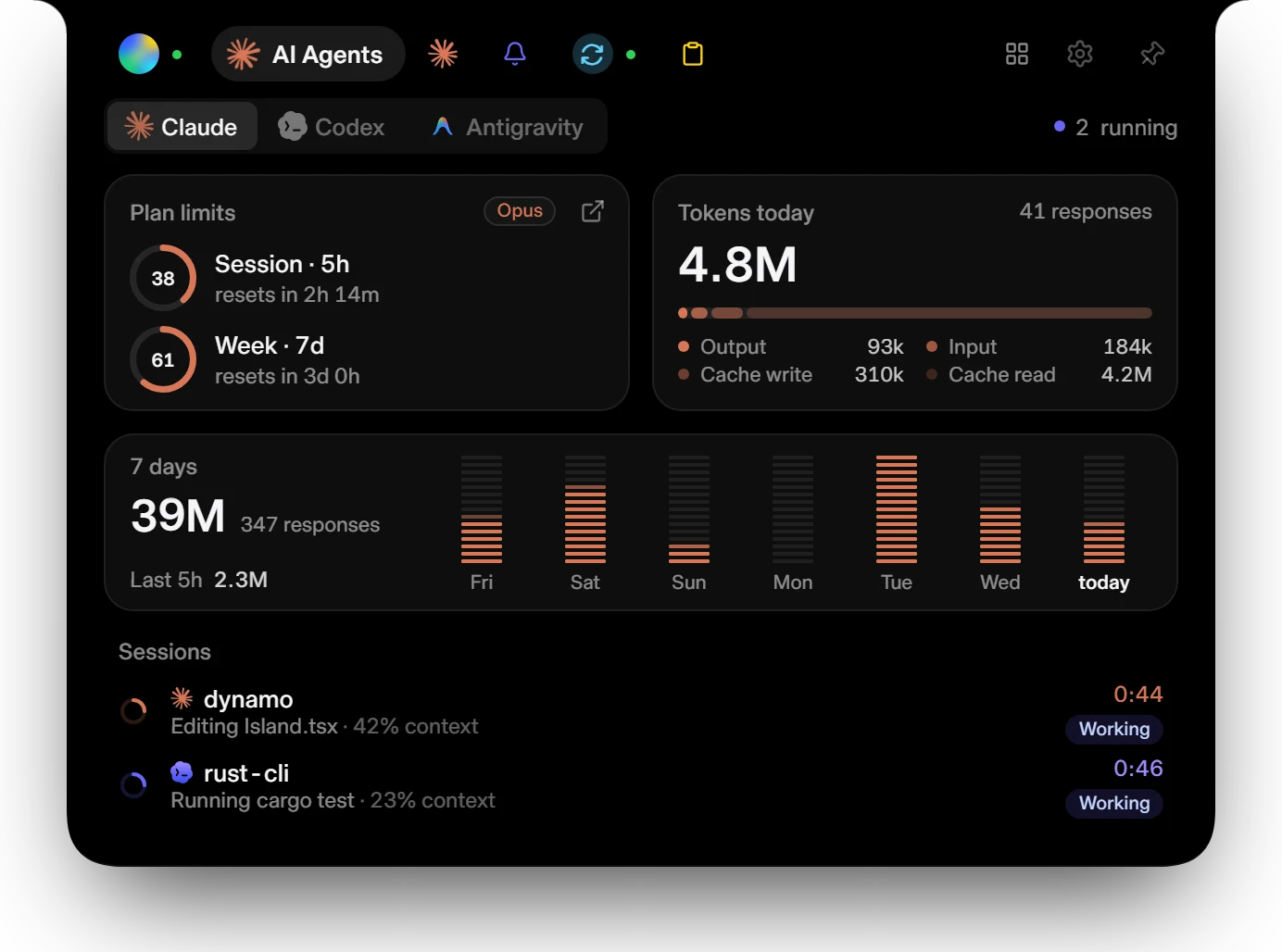
Claude Code and Codex sessions: what each one is doing, which one waits for you, tokens used and how much of your plan is left. Answer permission requests right in the island.
bun run buildWhat's playing, from Spotify, your browser or any other player.
Notifications from WhatsApp, Teams, Outlook and other apps.
A new song gets a quick peek, then the island shrinks back.
A heads-up before your next meeting, with a button to join.
Try the buttons. In the app, this is how you answer Claude Code without leaving what you're doing.
Claude gets back to work, and the island gets out of your way.
Free and open source · Windows 10 and 11
Dynamo sits at the top of your screen and shows what's playing, what your coding agents are doing, your notifications, timers and downloads. The rest of the time it stays out of the way.
In action
A message arrives, the next song starts, Claude asks to run a command, the volume changes. Each one gets a quick peek, then the island shrinks back.
Modules
Turn on the modules you want, pin your favorites to the tab bar and keep the rest one click away in the launcher.
Claude Code and Codex sessions: what each one is doing, which one waits for you, tokens used and how much of your plan is left. Answer permission requests right in the island.
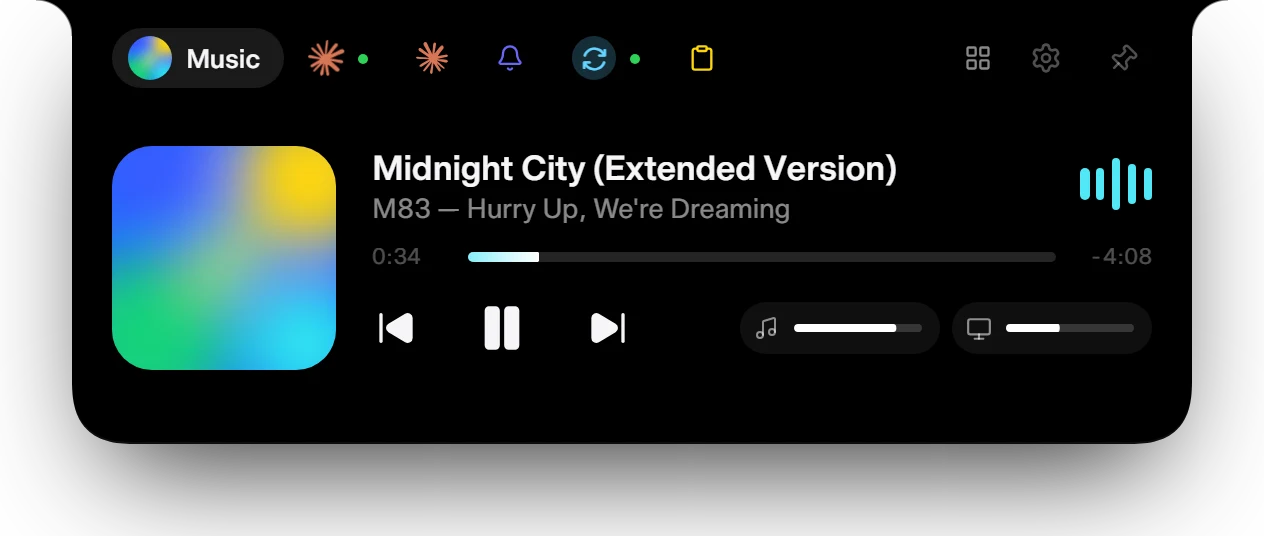
Spotify, browsers, Apple Music, VLC. Artwork, controls, a visualizer, and YouTube playing right in the island.
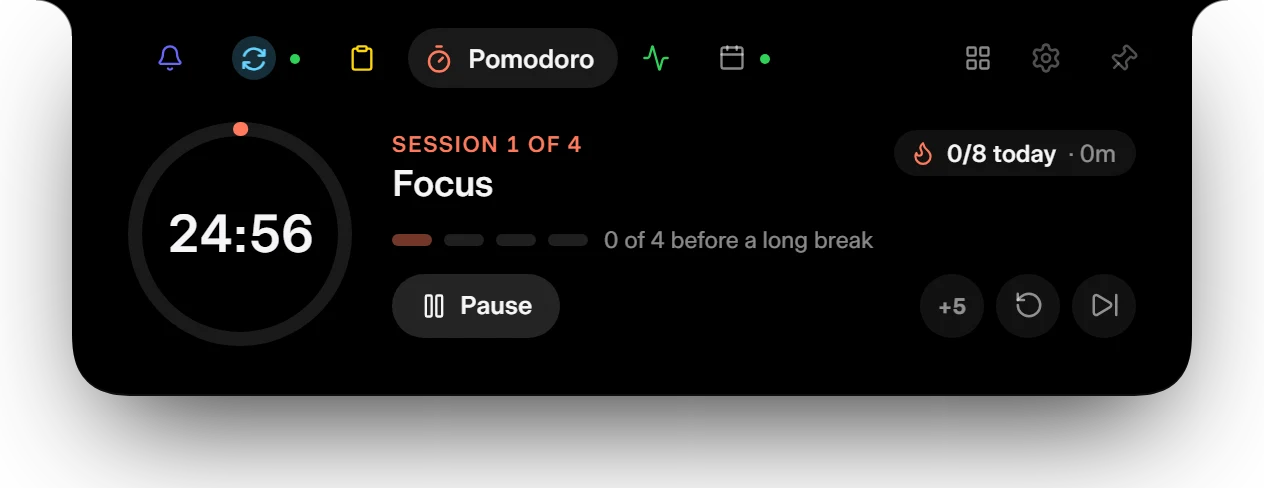
Focus sessions and breaks, a daily goal and the countdown in the closed island.
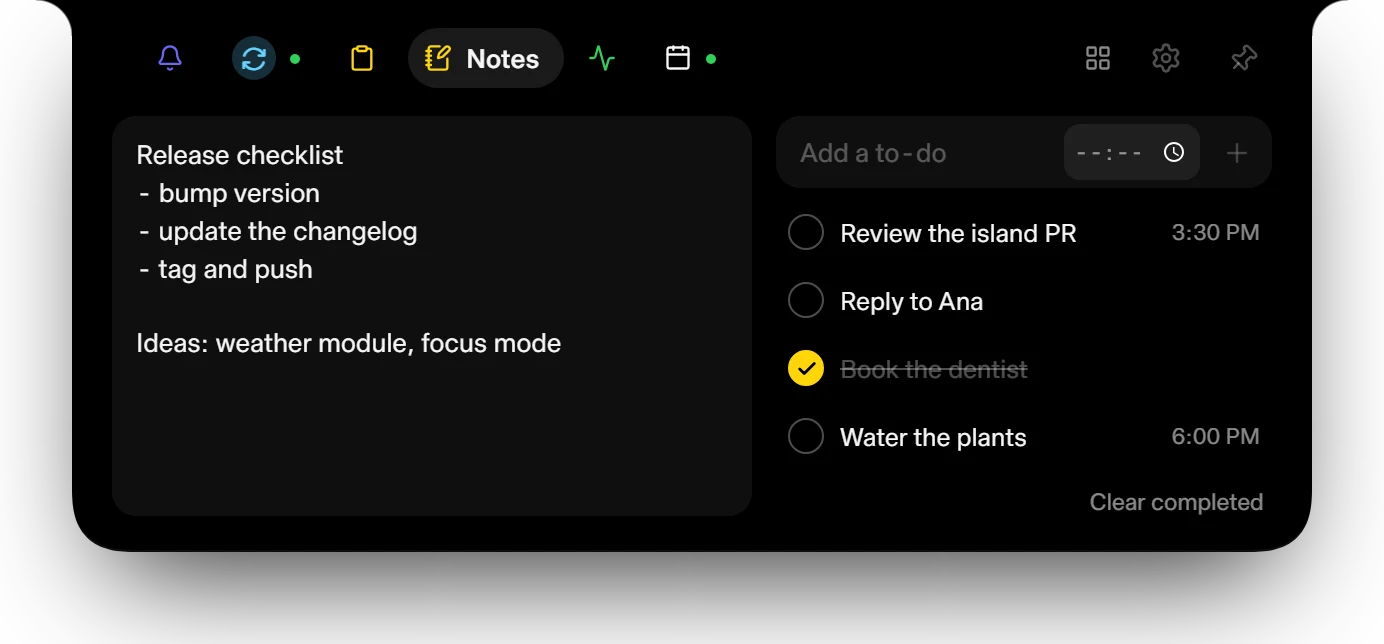
A scratchpad, and to-dos that open the island with a chime when they're due.
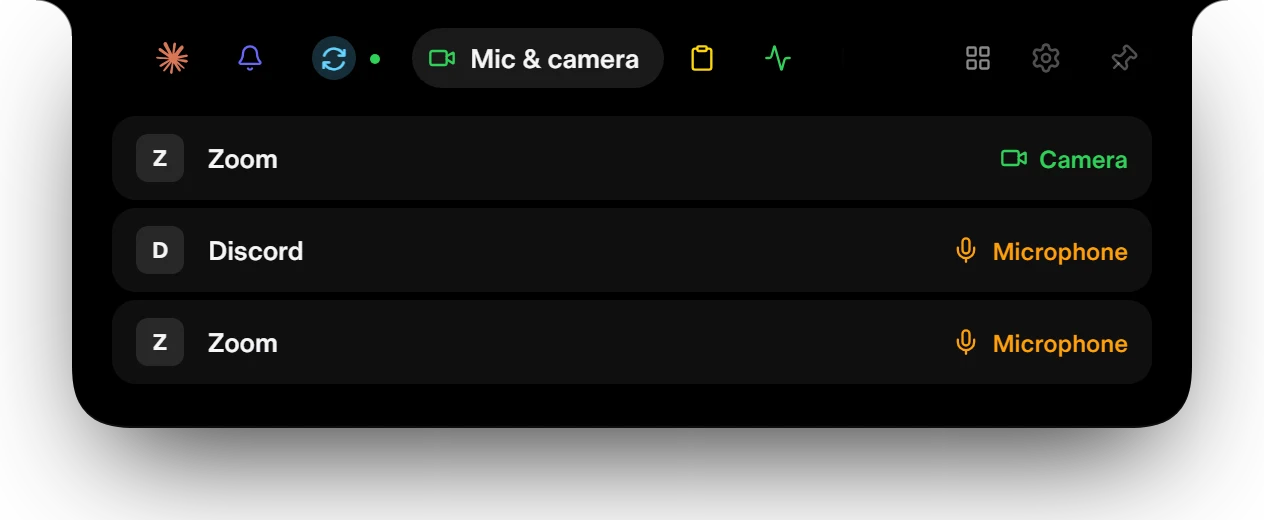
An orange or green dot, like on the iPhone, while an app is listening or watching.
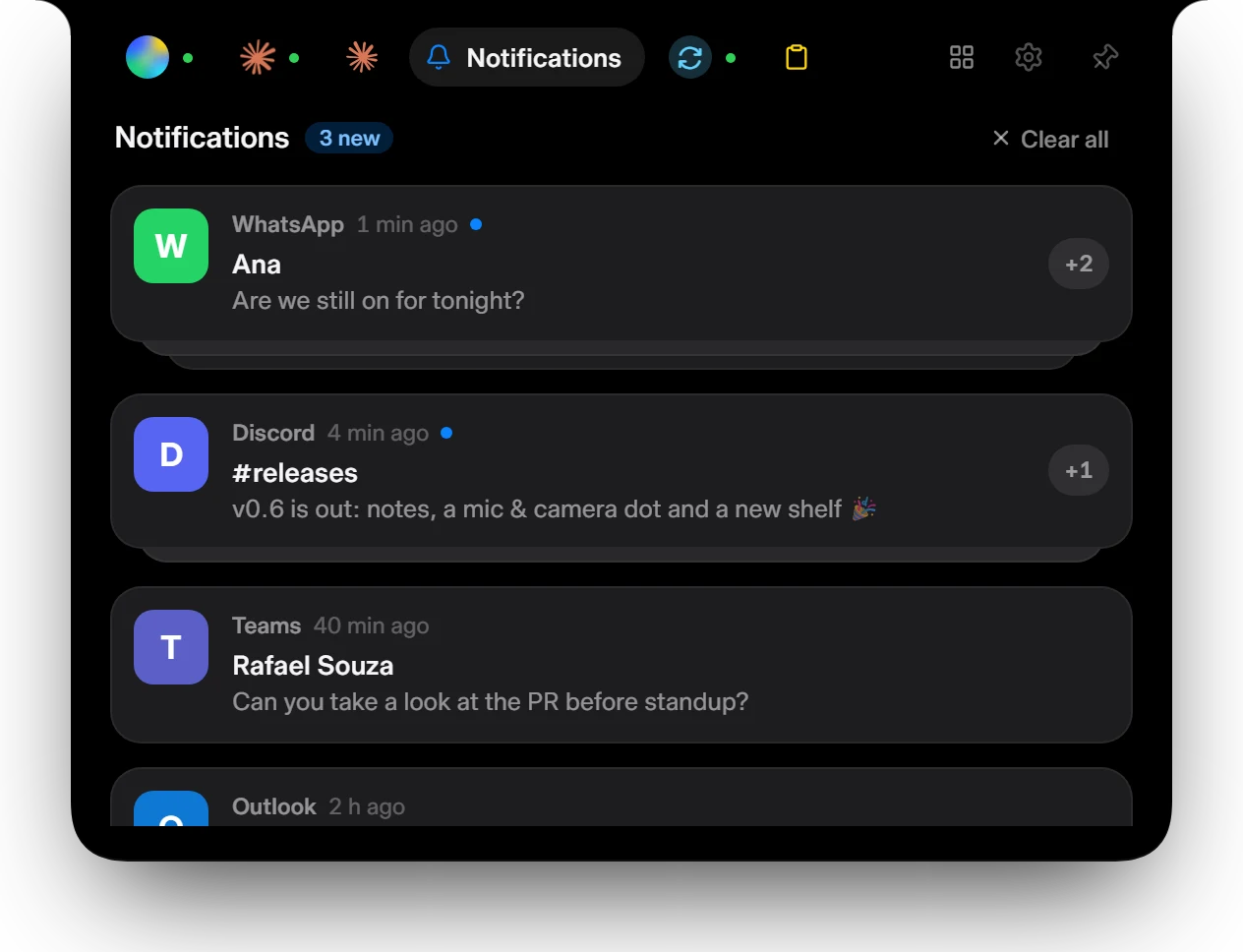
WhatsApp, Teams, Outlook and Discord, mirrored from Windows and stacked by app, like on your phone.
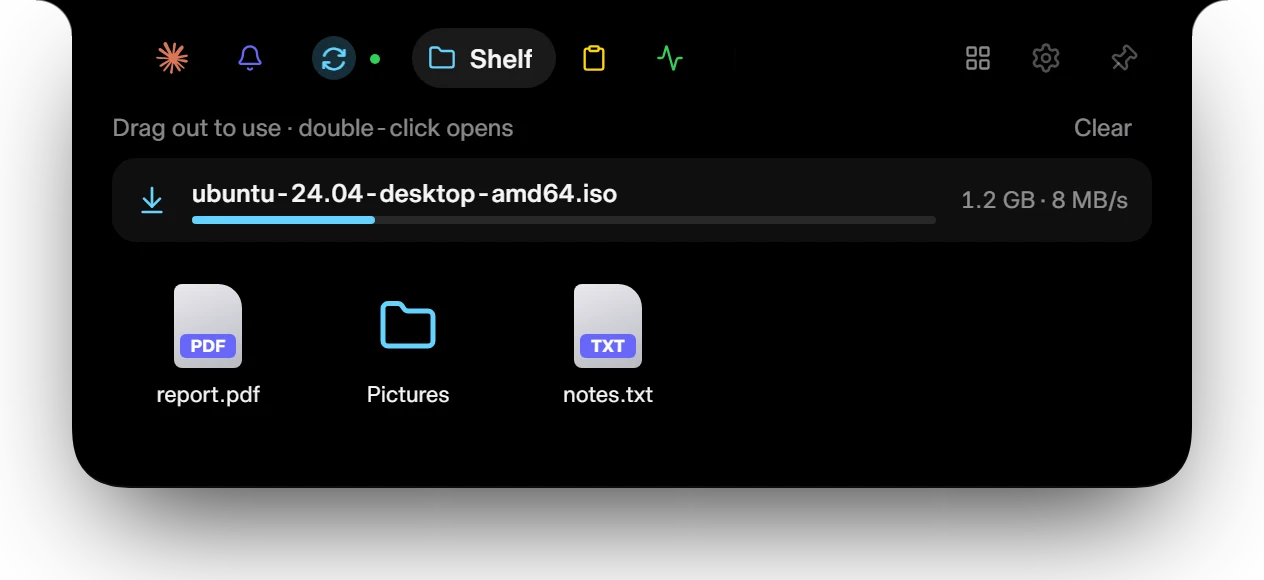
Browser downloads show their progress. Finished ones, and anything you drop on the island, wait there until you drag them out.
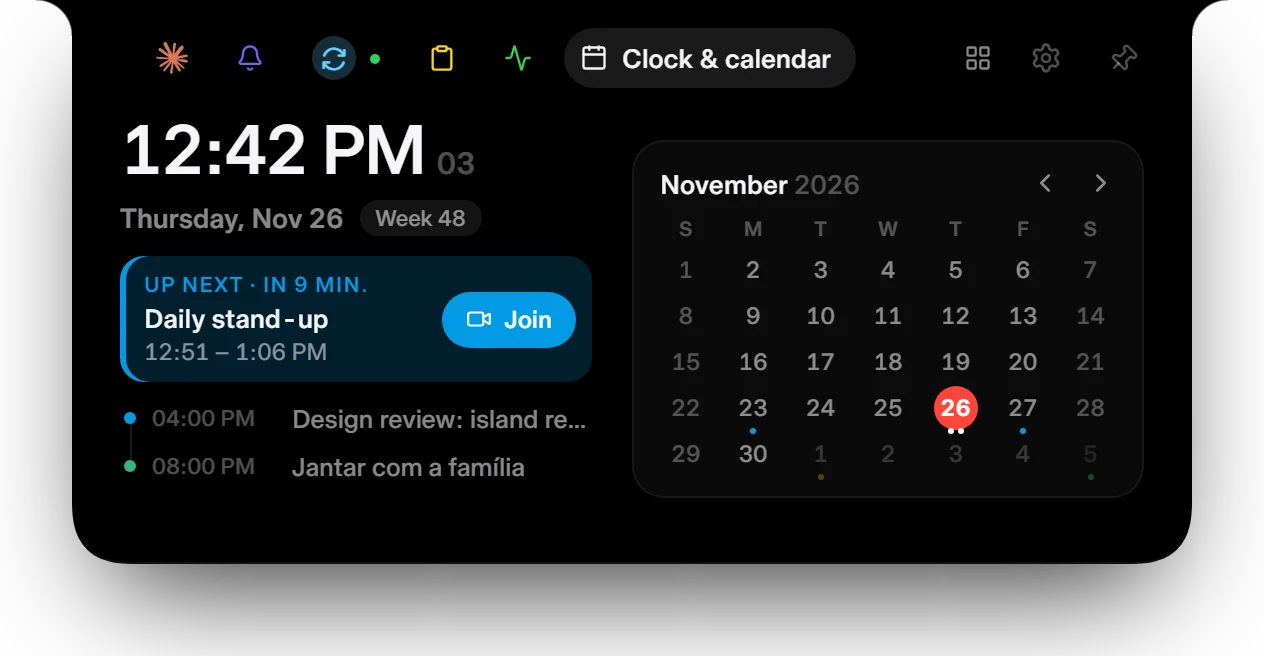
Your next meeting with a Join button, the rest of the day, and the month. From Google Calendar or any iCal link.
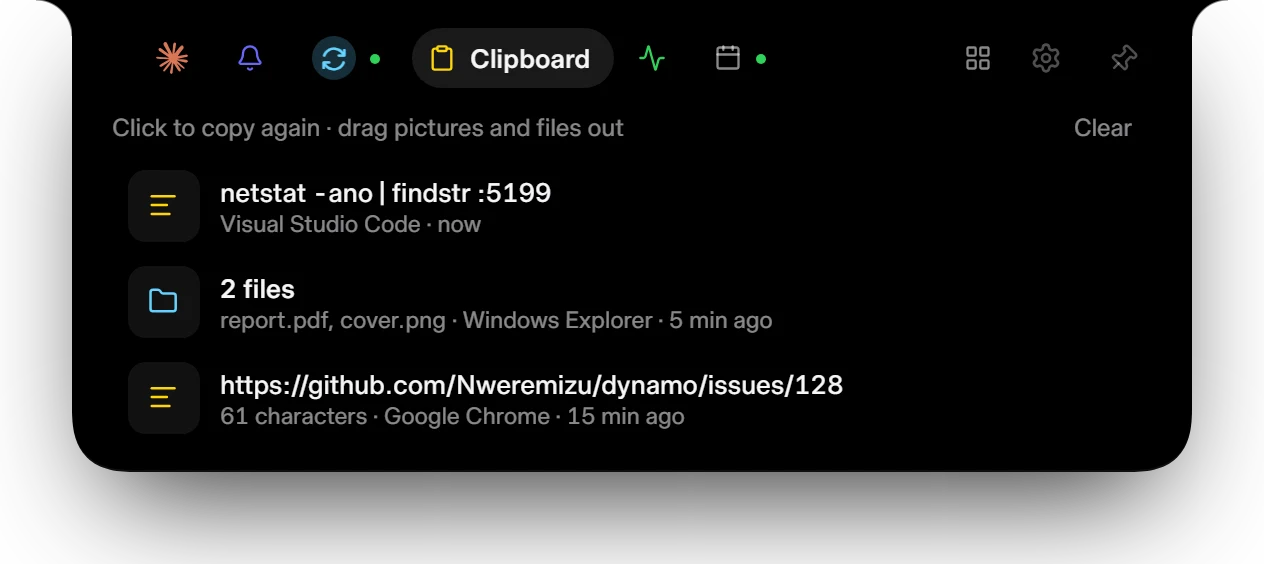
The last 20 things you copied. Screenshots open the island with the picture.
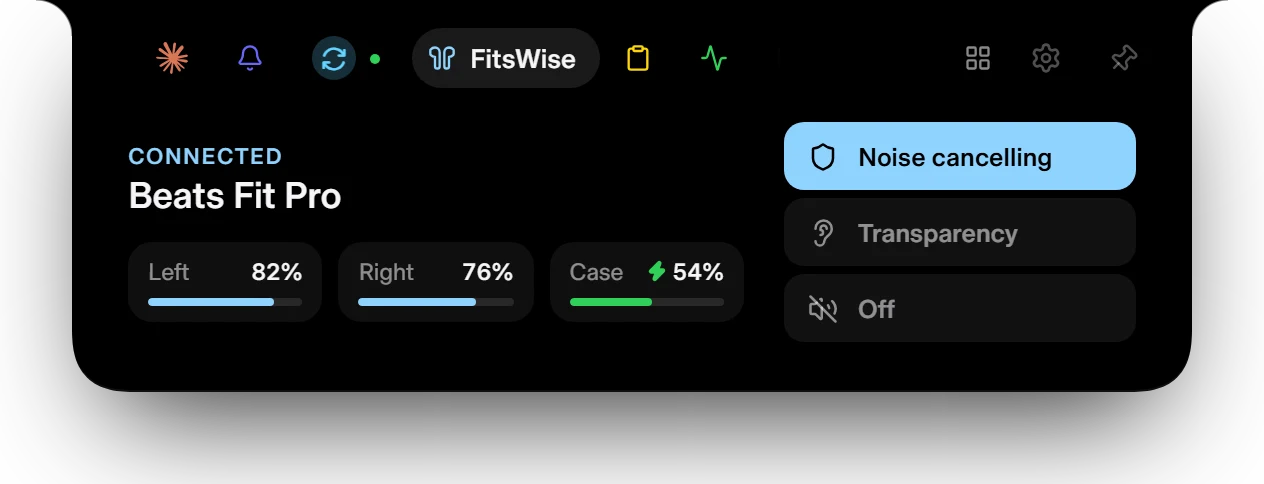
The battery of each bud and the case, and the listening mode one click away.
Looks
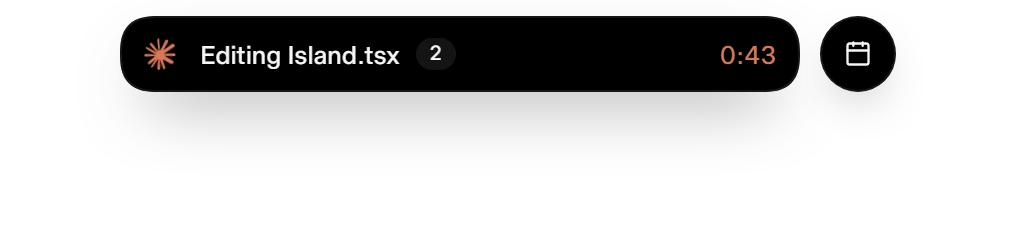
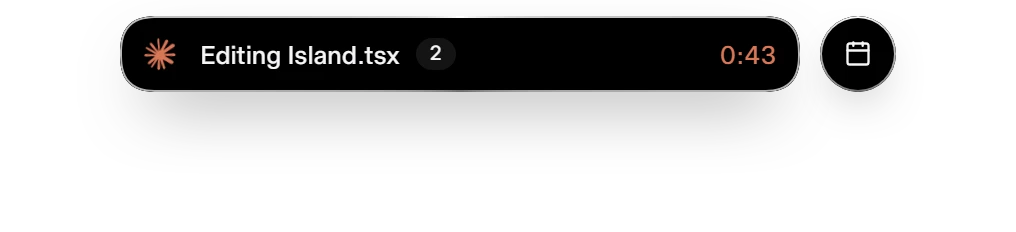
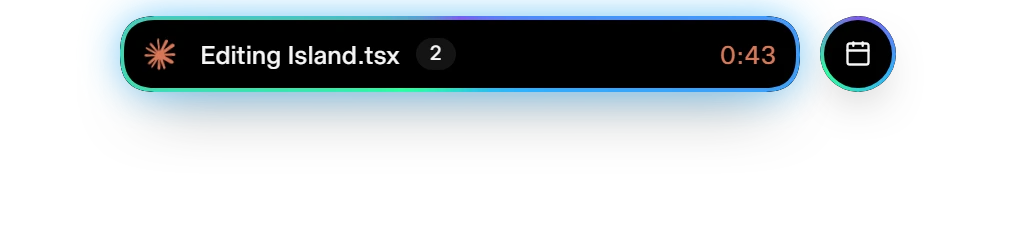
Keep it as a plain black notch hanging from the top edge, or switch to a floating pill with a rim: a hairline, one of eight color presets or two colors of your own. On Windows 11 it can be frosted glass.
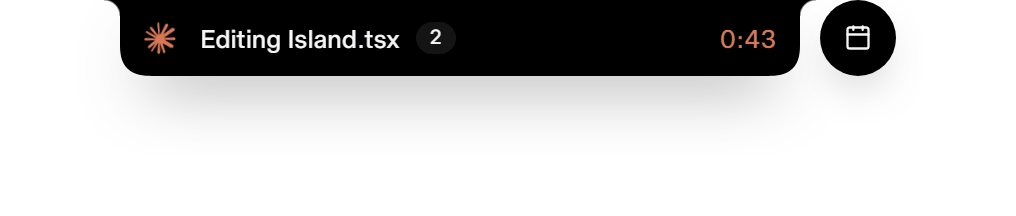
Keyboard
Every module can have its own shortcut, and you can change all of them.
For developers
A local API on 127.0.0.1 shows alerts and live activities from your scripts, builds and deploys. Clients for PowerShell, Python and Node are in the repository.
curl -X POST http://127.0.0.1:5199/notify \
  -H "Content-Type: application/json" \
-d '{"title":"Deploy done","icon":"check"}'Privacy
Dynamo has no server, so nothing you do reaches us.
Google Calendar, GitHub or Anthropic are contacted directly, and only after you turn that module on.
Tokens live in the Windows Credential Manager, encrypted for your Windows user.
FAQ
Yes. Dynamo is free and open source under the GPL-3.0. There's no paid tier, no account and no ads.
Yes, on Windows 10 and 11. Frosted glass needs Windows 11; everything else works on both.
No. It hides while a fullscreen app is in front, and when nothing is happening it shrinks to a small pill.
Only for the Claude features. The AI Agents module reads your Claude Code and Codex sessions from your computer, and Ask Claude uses your Claude Code login. Everything else works without them.
Windows only lets registered apps read notifications. Dynamo registers itself once as a package, and since that registration isn't signed, Windows asks for Developer Mode.
The installer checks GitHub for new releases and updates itself. The portable version doesn't; download it again when you want the new version.
Yes. Plugins add tabs with their own settings and shortcuts. Install them from the marketplace in the settings, or write your own with the plugin SDK.
Download the installer, run it, and the island appears at the top of your screen. No admin rights, no account.